
DLE
Modernization
DLE has been modernized along with D2X-XL. It is a 64 bit program now, its renderer has been rebuilt, and a lot of bugs have been fixed on the way.
Segment Splitter
A segment can be split into smaller segments. This is what the tools described below need to work well, since they don't create new geometry but only move the corners that are there.
The splitter preserves the structure of the level as far as possible. Textures are carried over to the new segments and aligned again, walls - doors and other walls that can change included - are put where they belong together with their switches and triggers, and objects are assigned to the segments they are in now.
Where a split segment meets a neighbour that has not been split, the splitter also builds the connection between the two wherever that is possible. For this it uses wedge shaped segments, which is why it only does so in D2X-XL levels.
Software Tessellation
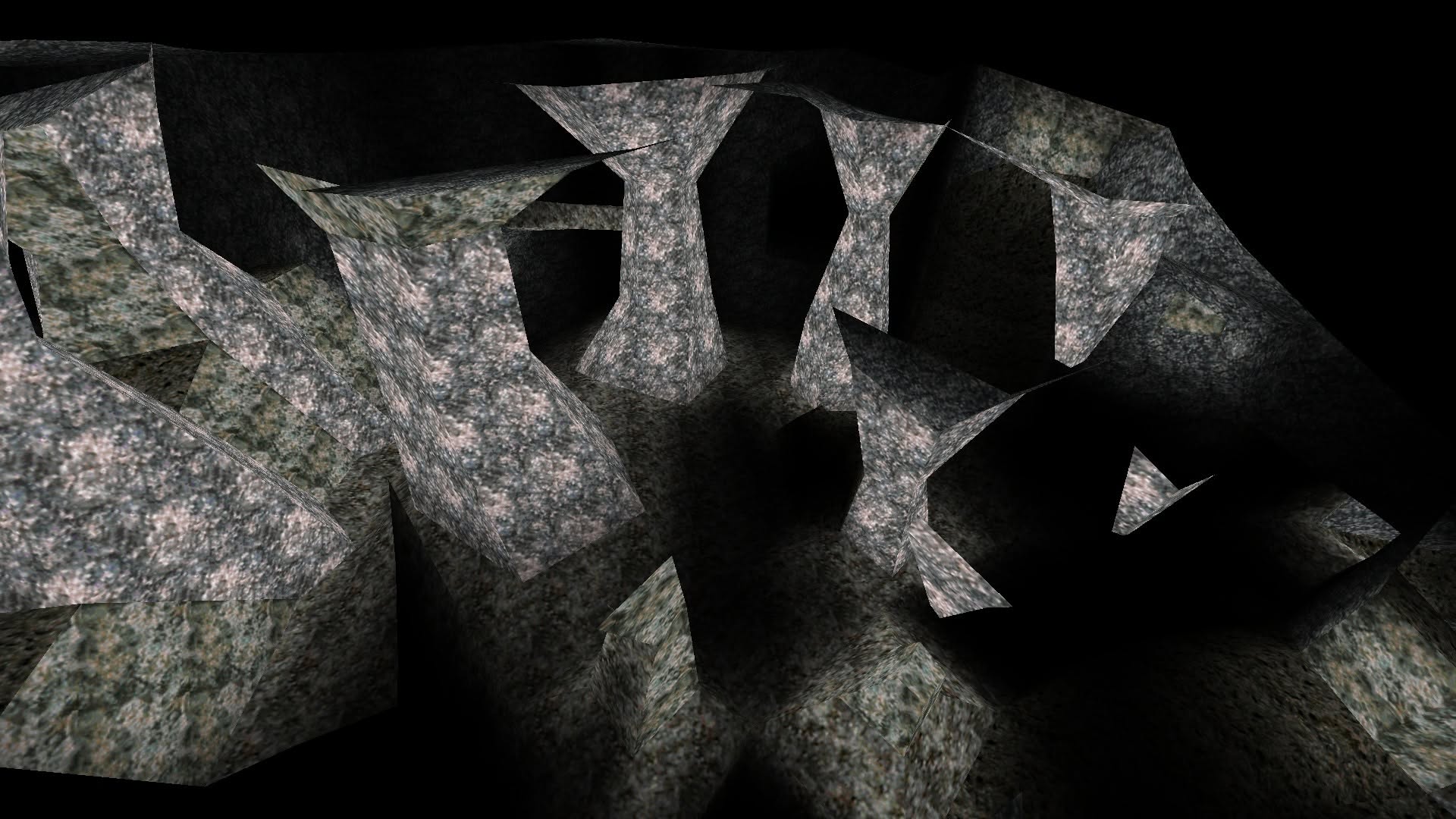
Descent levels are built from cube shaped segments, so caves and rock formations in them tend to look blocky. DLE now has two tools to refine such geometry.
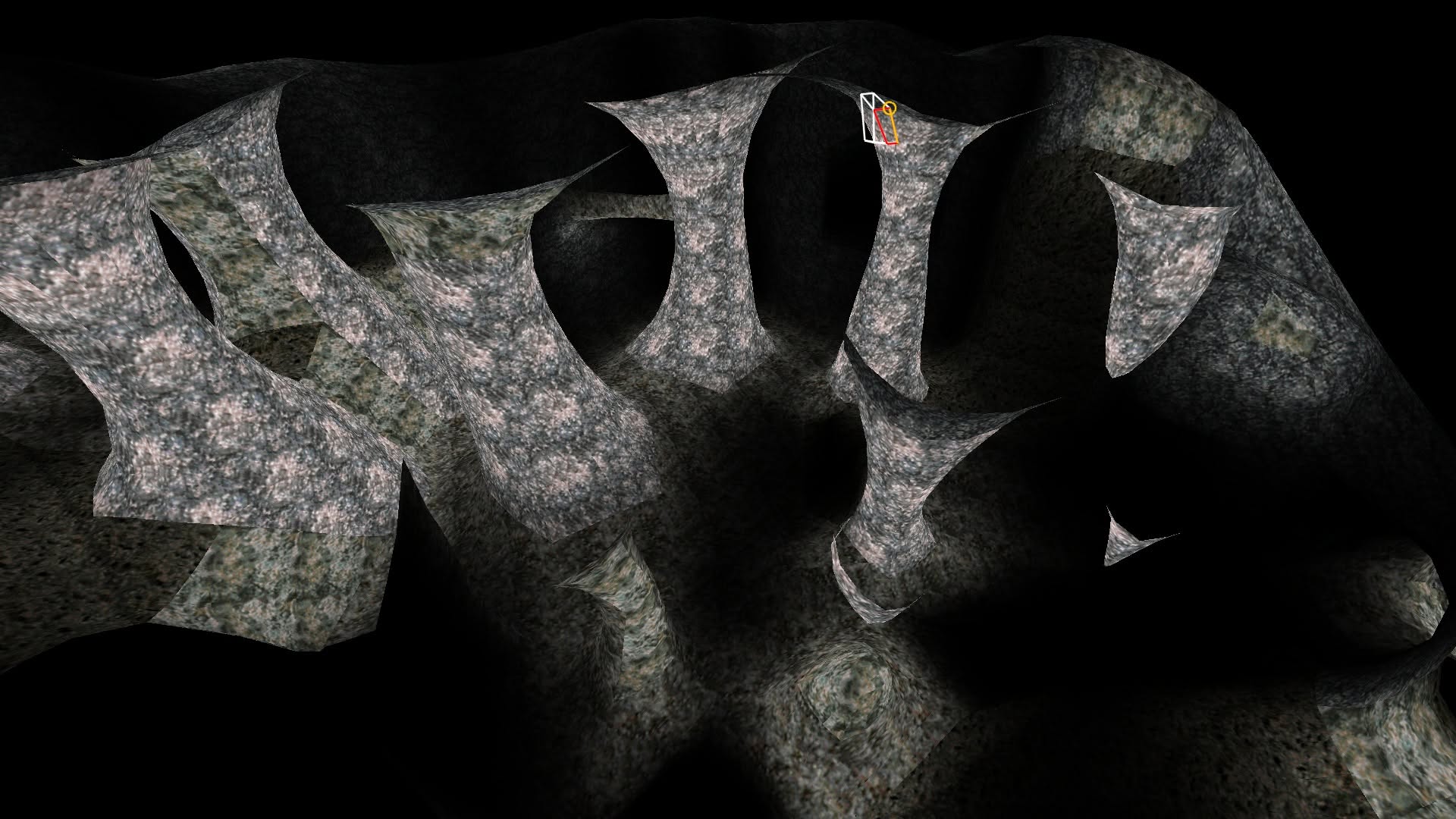
"Round Structures" smooths the tagged surface, turning angular structures into rounded ones.
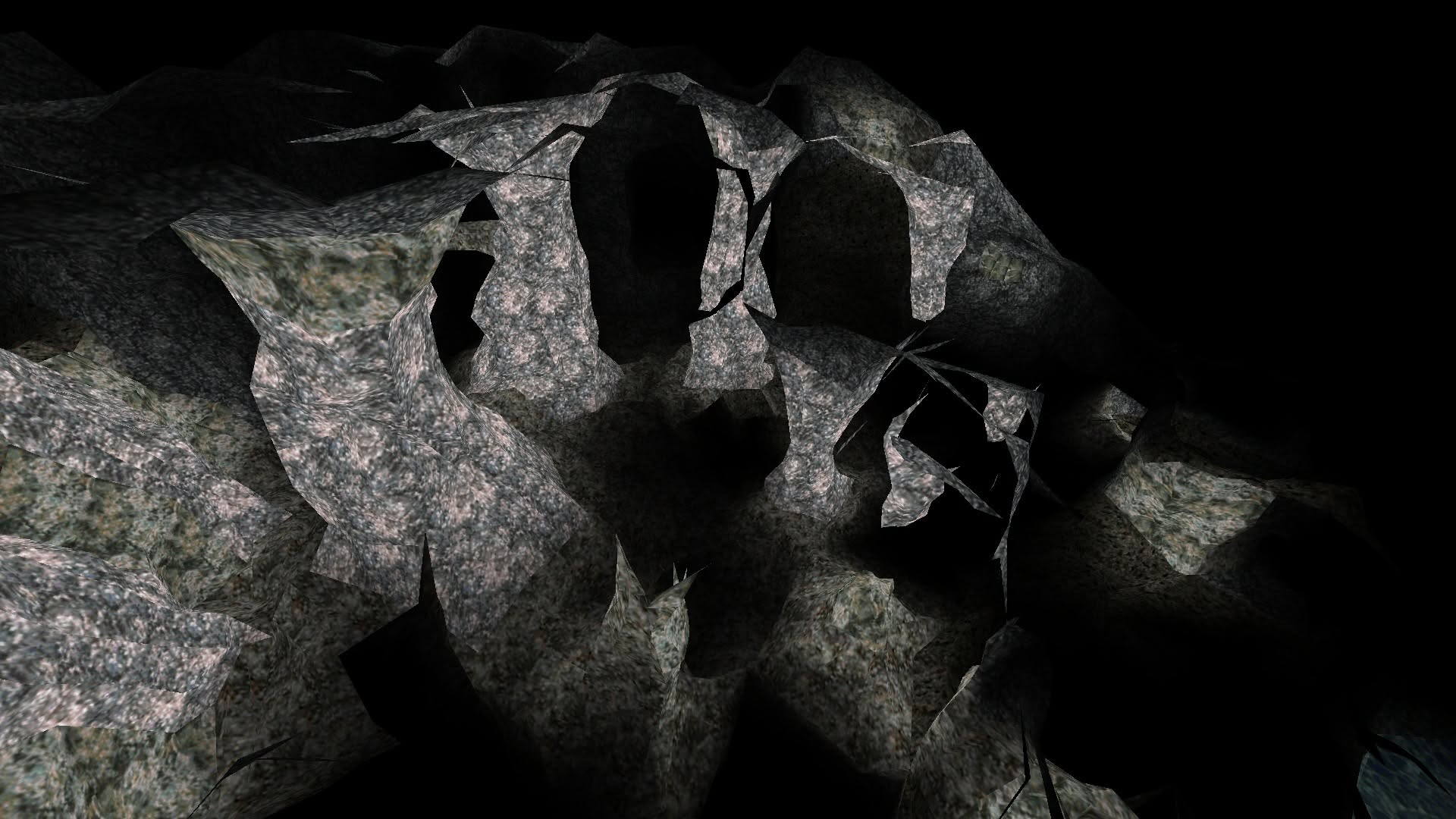
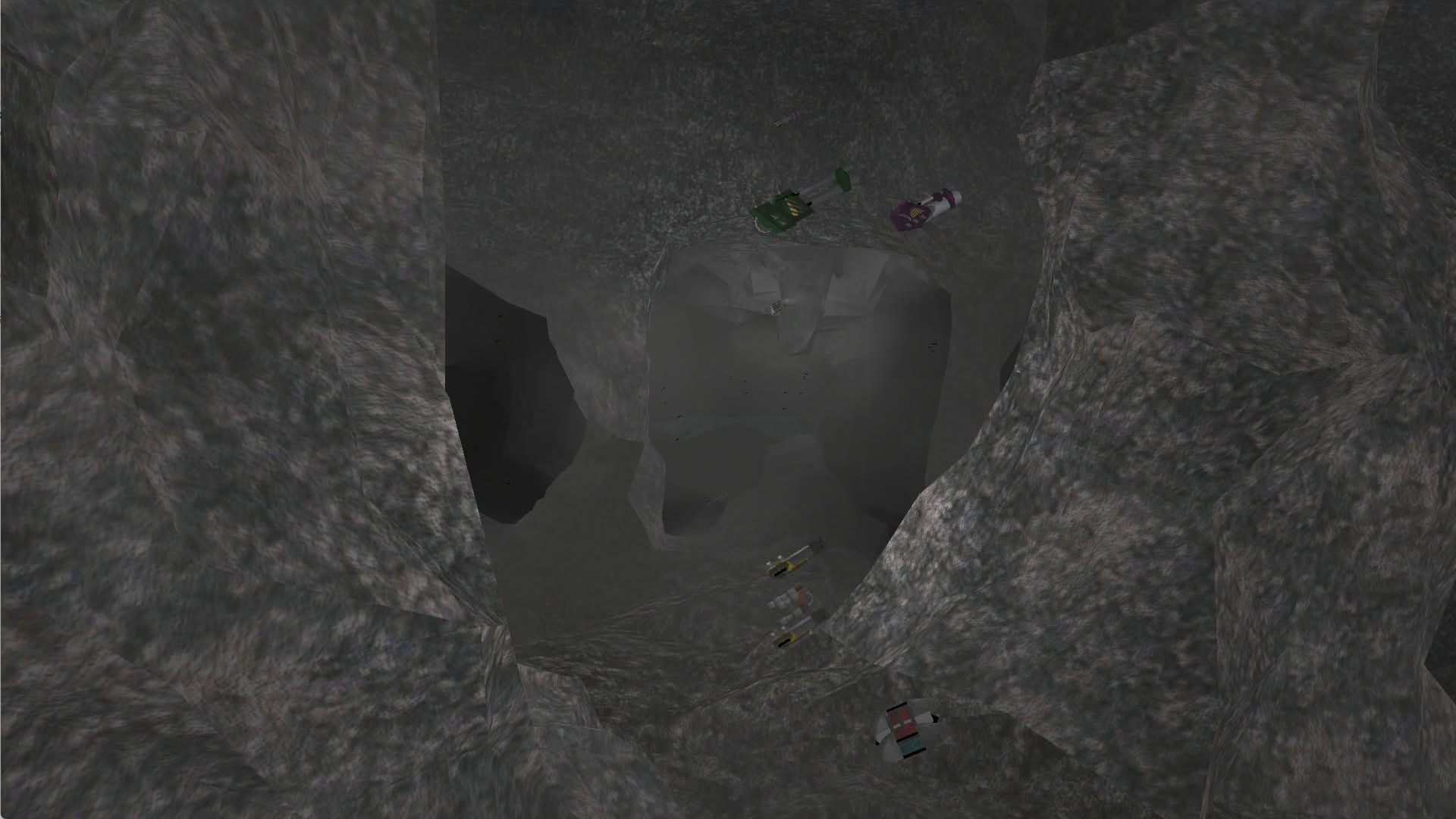
"Increase Surface Detail" breaks faces up: it pushes the corners of a surface in and out irregularly, which turns it into rough rock.
Both tools leave doors alone and refit the textures to the changed faces. They can be restricted to rock, water and lava textures, so the technical parts of a level stay as they are.
A structure as built and after rounding it:
Rock with surface detail added, and such geometry in the game:
Ambient Segment Light
Segments can now have an ambient light level and color of their own. So far the only way to get a dark area bright enough was to turn lots of its faces into weak lights, and every one of them costs performance in the game. Now the brightness is simply set for all tagged segments in one dialog, and D2X-XL uses it as the minimum of the ambient light there.
Texture Mappings for Mods
A mod can now assign its textures with a text file named texture-mappings.txt in its mod folder. Each line names a game texture, a colon and the texture replacing it.
The lines are grouped in sections: [mission] holds the assignments for the entire mission, [levelNN] and [slevelNN] those for a single level or secret level, and an assignment for a level takes precedence over one for the mission.
A replacement is looked up in the mod's texture folders. A [settings] section can name another texture folder, and a replacement can also be given with a path relative to the game folder.
The format in detail:
[settings]
texture folder: mods/shared/textures

[mission]
metl002: rusty riveted steel plate
ceil014: %brown tiles

[level3]
metl002: mods/shared/ice/frozen steel plate

[slevel1]
ceil014: white glowing panel
- The file is plain text. A line with a name in square brackets starts a section: [settings], [mission], [levelNN] for level NN and [slevelNN] for secret level NN. Lines above the first section and in sections with any other name are ignored.
- All other lines consist of a name, a colon and a value. Blanks and tabs around the two are dropped, empty lines and lines without a colon are ignored. Upper and lower case make no difference in section names and texture names.
- The name is the name of the texture in the game data, e.g. metl002. An animated texture is named without its frame number; the line then applies to all of its frames, and the files of the replacement carry the frame numbers (name#0, name#1 and so on).
- The value is the file name of the replacement without its extension, and it may contain blanks. The game looks for a dds, png or tga file with that name.
- A replacement with a leading % is looked up in the folder that the line "texture folder" in [settings] names. This is the only setting there is.
- A path - in a replacement or as texture folder - is relative to the game folder unless it starts with a slash or a drive letter. Slashes and backslashes both work.
Smaller Things
- Texture alignment works considerably better. Aligning textures over an area now closes the seams between its faces, and it leaves the textures of door faces alone.
- "Tag Plane" tags all adjoining faces lying in one plane at once, and faces that have to stay flat when a structure is rounded or roughened can be tagged as planar.
- A level can have up to 65500 segments.
- Sound objects can be made to play at random intervals.
- The diagnosis can repair defective segments and move objects that lie outside of their segment back into it.
- A level can be exported for Overload.
I also built a function that replaced unneeded empty segments with wedge and pyramid shaped ones to make levels render faster. It gained next to nothing, so I removed it again.