DLE-XP: Improvements
Converting Levels To Descent 1
A proposition I had been approached with on a few occasions in the past had been a function in DLE-XP to downgrade levels to Descent 1 format.
Since this involved a lot more effort than upgrading a level, I had always shied back from the required investment in time. Recently I had
been asked for help with an old texture conversion utility replacing D2 textures with their D1 counterparts, and this time I had mercy, or rather,
my ambition was instigated.  It was very helpful that this tool came with a texture conversion list, creation of
which would have been quite a task and the main reason I had refused to write such a conversion function earlier. A few hours, a test and some
user feedback later the function worked satisfactorily, producing immediately playable Descent 1 levels originating from a Descent 2, Vertigo,
or D2X-XL level. What it does is not only to convert textures, but also doors, triggers, and most of all robots. Here are two screenshots from
the first level of Sirius' and Darkhorse's fantastic D2 mission 'Apocalyptic Factor' before and after conversion:
It was very helpful that this tool came with a texture conversion list, creation of
which would have been quite a task and the main reason I had refused to write such a conversion function earlier. A few hours, a test and some
user feedback later the function worked satisfactorily, producing immediately playable Descent 1 levels originating from a Descent 2, Vertigo,
or D2X-XL level. What it does is not only to convert textures, but also doors, triggers, and most of all robots. Here are two screenshots from
the first level of Sirius' and Darkhorse's fantastic D2 mission 'Apocalyptic Factor' before and after conversion:
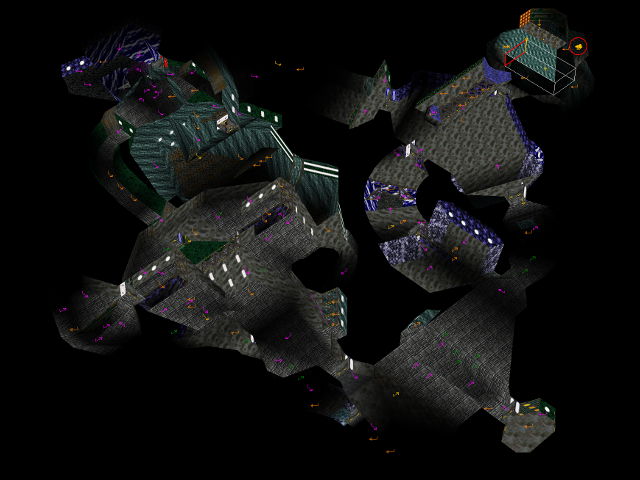
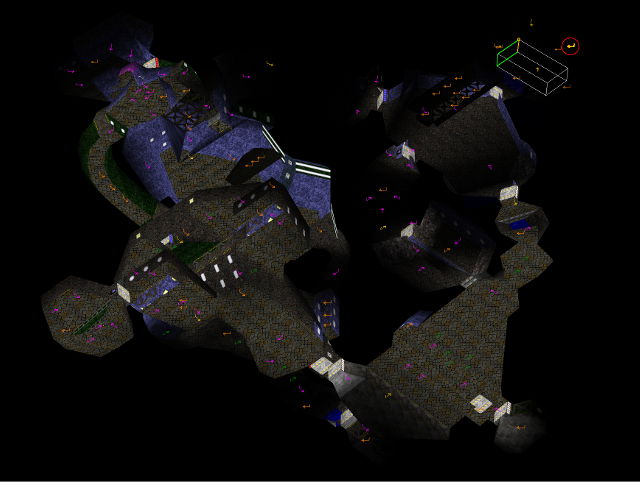
User Interface Improvements
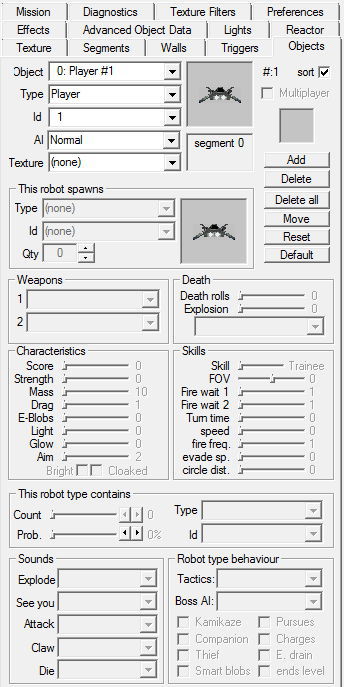
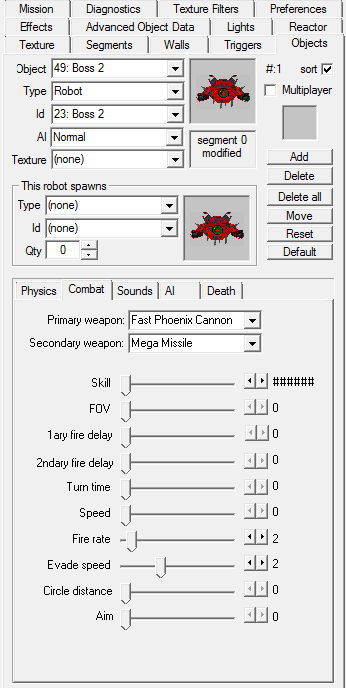
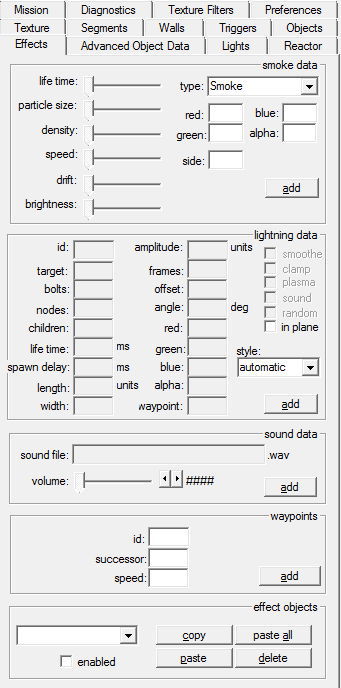
DLE-XP had always suffered from a somewhat cluttered interface, stemming from the necessity of squeezing a ton of information and hence controls into as limited a screen space as possible to accomodate for smaller screens than I usually use and to offer as much room for the mine view as possible. This was particularly bad for the object and effect tools. The controls in the object tool were so small that it was hard to use them in a controlled way, and the effect tool hosted information for four different effect types, making it hard to overlook and easy to make mistakes. Particularly in the object tool there also was no room to add spin controls (small buttons split in two parts, allowing to increase and decrease a value by clicking on any of the halves), which would have made fine-tuning certain settings much easier.
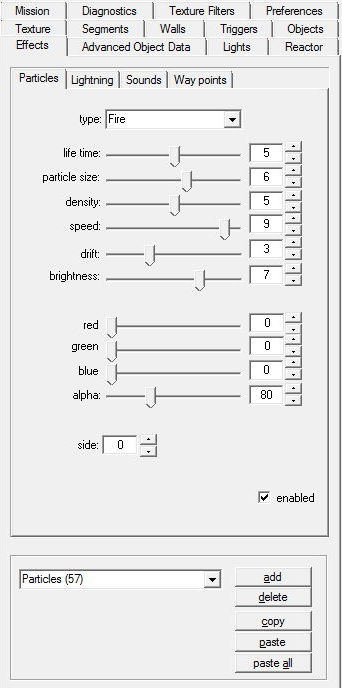
With C# .NET it was easy to overcome that by using tabbed dialogs inside of the tool dialogs. With the C++ of DLE-XP which is still based on MFC this was much harder to achieve. These days I finally managed to use tab controls (via the MFC class 'CTabCtrl') to tidy the effect and object tools. It was somewhat of a pain to sift through the internet to find out how to use tab controls, but the biggest part of the effort was to split the monolithic code handling the big effect and object tool dialogs into small parts, each encompassing just what was contained in one of the new tabs - a pretty straightforward and rather tedious task.
Besides just offering a tidier, easier to handle interface, the new code has some real advantages for the effect tool, where you will now only see the data of the currently selected effect object. DLE-XP will automagically activate the proper sub-dialog every time another effect object is selected. To create a new effect object of a certain type, you just need to manually activate the corresponding tab and click on the 'add' button below. This is so much better than the m{a|e}ss of stuff the effect tool had been displaying before ...
Here are a few comparison pictures: